IPTV Setup Guides
Choose your device to follow its IPTV setup guide. Each guide explains which player to install, how to add your subscription, and how to check that your channels load.
Before you start
Have your HoxyTV login email ready. Your player may ask for an M3U playlist URL, Xtream Codes credentials, or a portal URL. Use the details for the login method shown in your device guide, and keep your credentials private.
App availability and login screens vary by device. Open the guide for your TV, phone, computer, or set-top box before installing a player. If your screen differs from the steps, contact HoxyTV support with your device model and player name.

Fire TV
Setup guide for Amazon Fire TV devices
Android
Setup guide for Android devices

Apple iOS
Setup guide for iPhone and iPad

Windows
Setup guide for Windows PC

Roku TV
Setup guide for Roku devices

LG TV
Setup guide for LG Smart TV
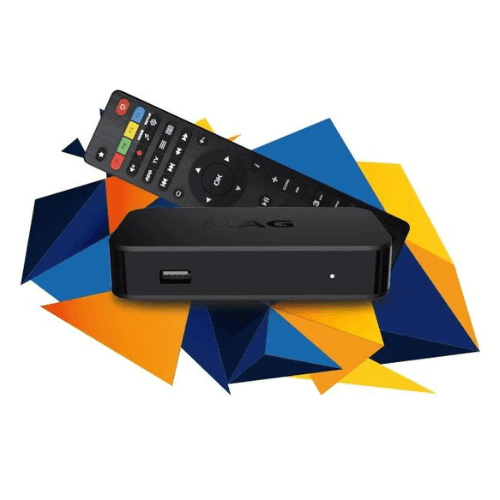
MAG/STB
Setup guide for MAG and STB devices

Samsung TV
Setup guide for Samsung Smart TV