iPhone and iPad IPTV Setup Guide
Watch HoxyTV on an iPhone or iPad with UHF, IPTVX or IPTV Smarters from the App Store, signed in with your M3U URL or your Xtream Codes login.
Last updated
In short: HoxyTV on iPhone and iPad
Install UHF, IPTVX or IPTV Smarters from the App Store and tap Add playlist. Choose M3U URL and paste the link from your HoxyTV welcome email, or choose Xtream Codes API and type your Username, Password and URL + PORT. Save it, and the channel list loads.
What You'll Need
- An iPhone or iPad on iOS 12 or later
- Your M3U URL, or the Username, Password and URL + PORT from your HoxyTV welcome email
- A stable internet connection
Players for iPhone and iPad
Setup steps
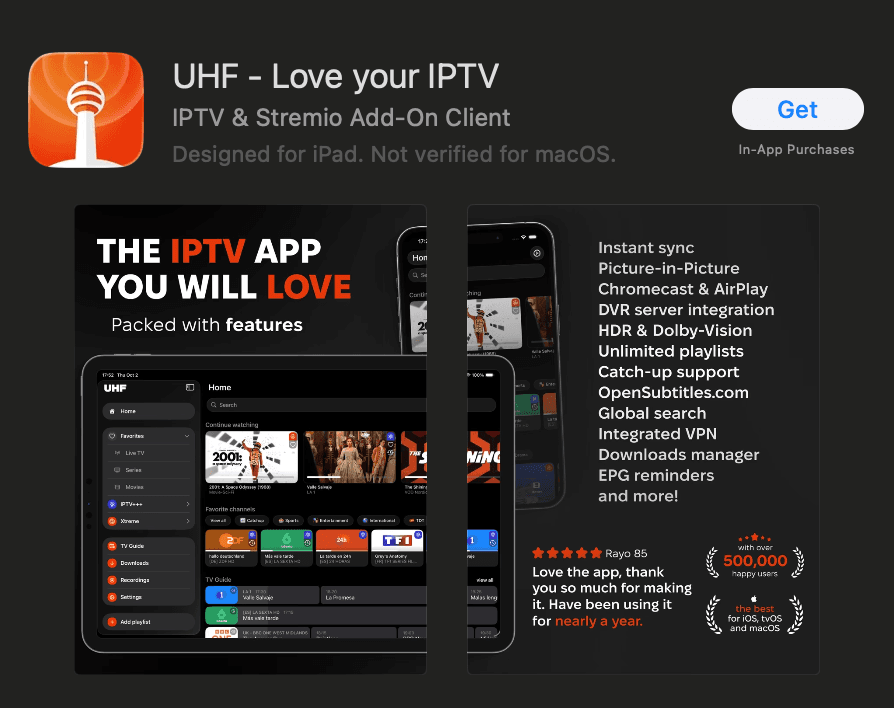
Step 1: Download an IPTV app from the App Store
- Open the App Store and search for UHF, IPTVX or IPTV Smarters, or go straight to UHF, IPTVX or IPTV Smarters.
- Tap Get and let the installation finish.
Step 2: Configure your IPTV app
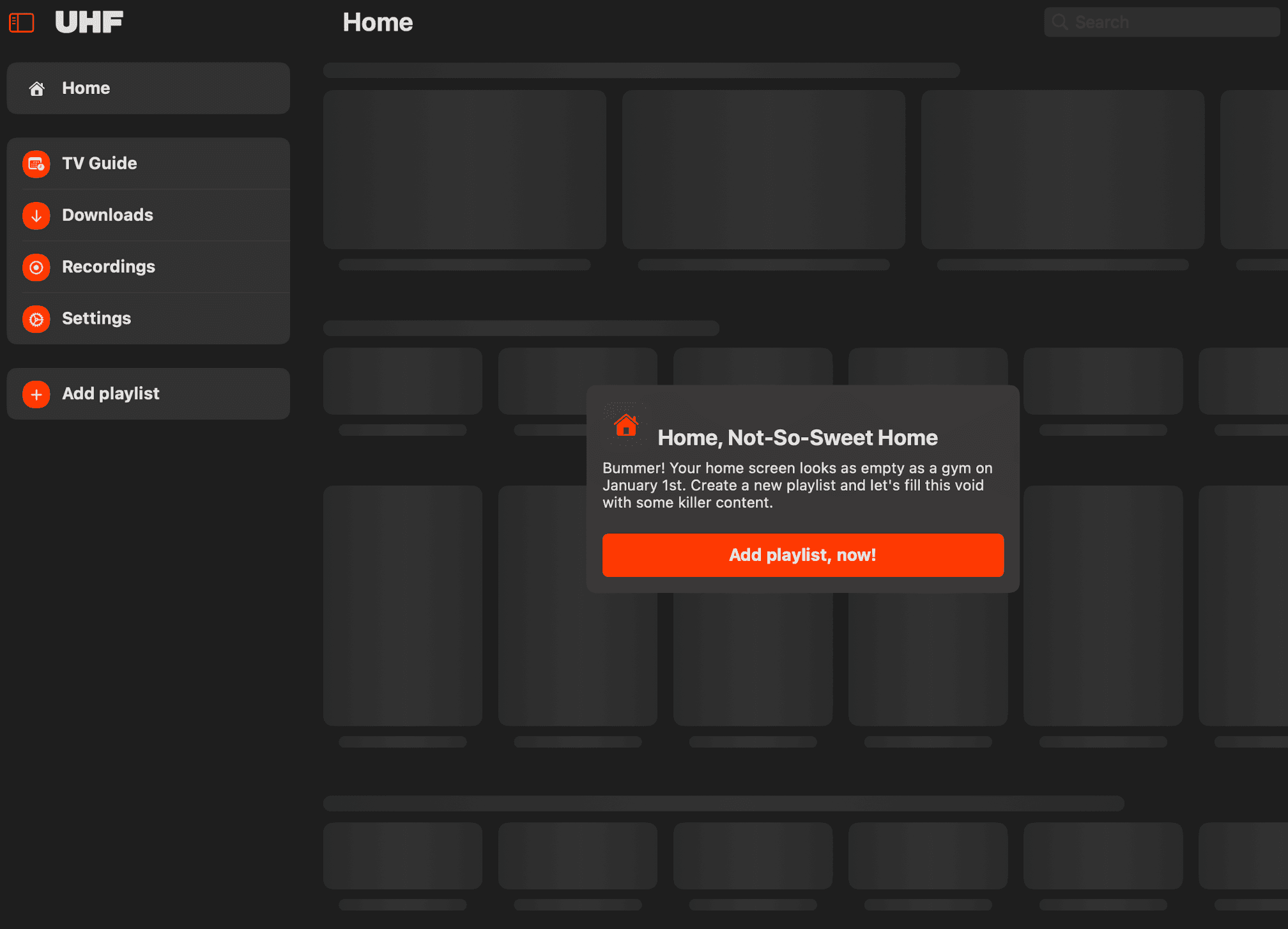
- Launch the app and tap the Add playlist button.
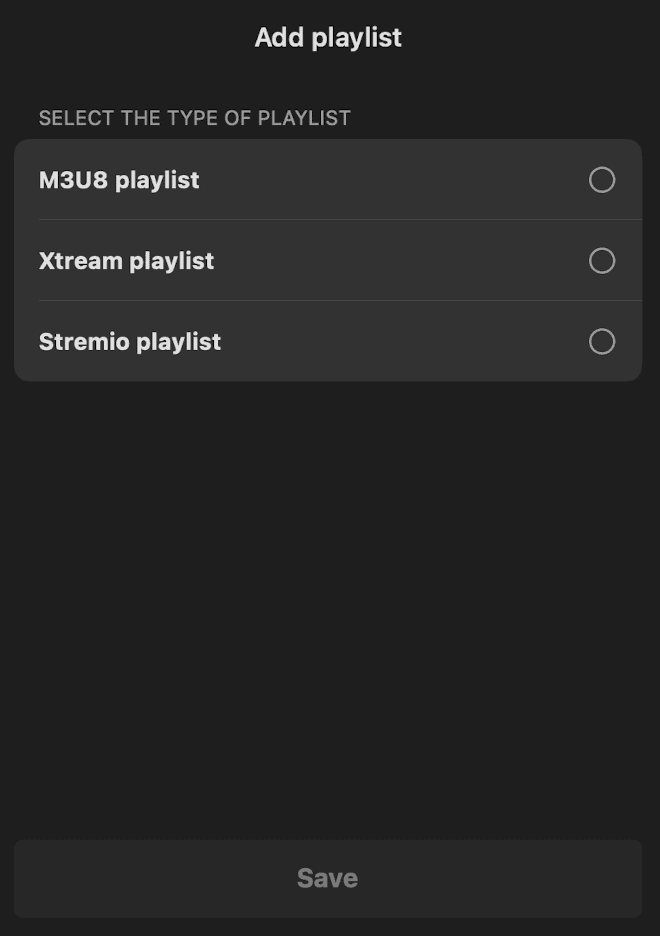
- Pick M3U URL to paste your link, or Xtream Codes API to type your Username, Password and URL + PORT.
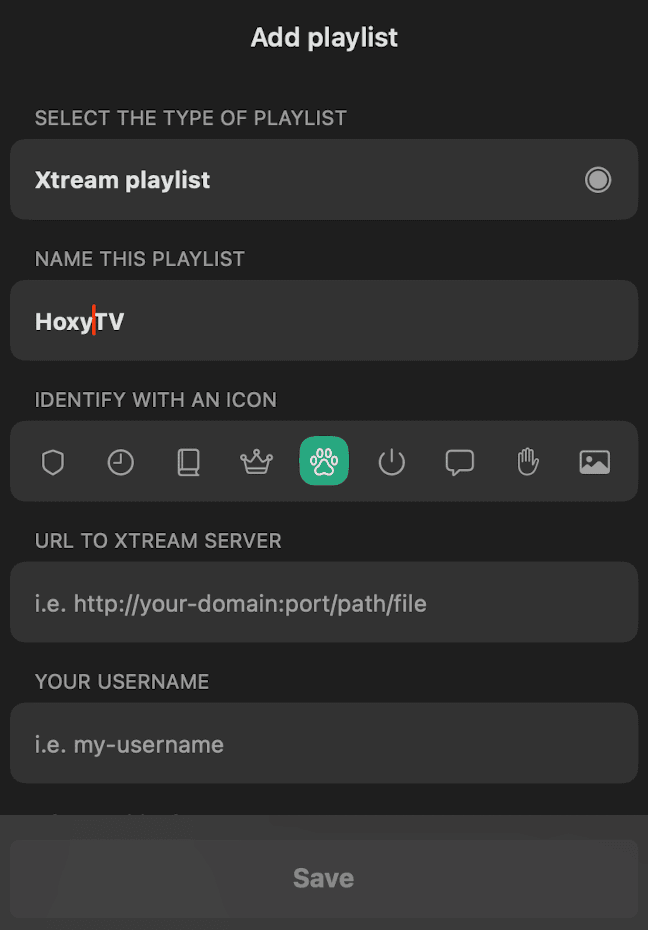
- Call the playlist HoxyTV and fill in the details from your welcome email.
- Tap Save; the channels take a few seconds to appear.
Step 3: Optimize settings
- Go to the app Settings.
- Enable Hardware Decoding where it is offered, for smoother playback.
- Set Connection Timeout to 10 seconds and choose the Video Quality you want.
You're All Set!
Your iPhone or iPad now plays HoxyTV. If something is not right, the answers below cover the usual fixes.
Troubleshooting on iPhone and iPad
Does HoxyTV work on Apple TV?
Yes. UHF and IPTVX both have Apple TV versions: install one from the App Store on the Apple TV and add the same playlist.
How do I get HoxyTV from my iPhone onto the TV?
Start a channel and look for the AirPlay icon in the player. Tap it and pick your Apple TV or an AirPlay-ready TV.
The app says my playlist is not valid. What should I check?
Paste the M3U URL again in full, or check that the Username, Password and URL + PORT match your welcome email exactly. Still stuck? Message our support team.
Don't have HoxyTV yet?
Choose a plan and your login details reach your inbox right after payment: 30,000+ live channels, 100,000+ movies and shows, and setup help day and night.